Help
Frequently asked questions
Short answers to common questions. If something here is wrong or missing, let us know.
Do you have a browser extension?
Yes. Quiver has extensions for Chrome (and other Chromium browsers like Edge, Brave, and Arc) and for Firefox. Both add a toolbar button that nocks the current page into your quiver in one click. After installing, sign in once and you're set.
Firefox users can install the add-on from addons.mozilla.org.
How do I save links from iOS?
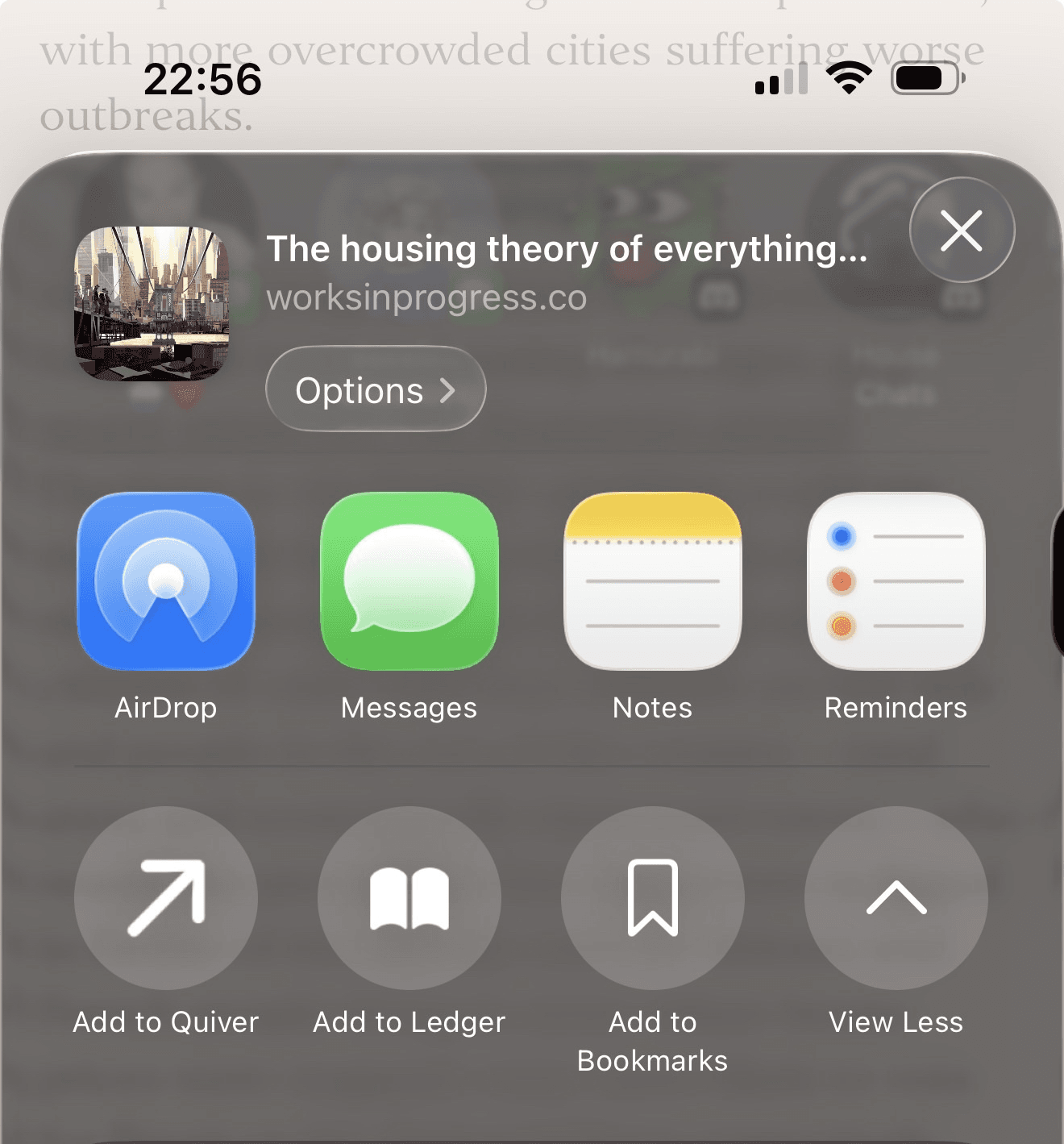
iOS doesn't get a native app, but Quiver ships two iCloud Shortcuts that drop straight into your share sheet — one for your own quiver, and one for your ledger.
- Sign in to Quiver on the web, open your profile and create an API key.
- Install Add to Quiver and Add to Ledger from iCloud.
- Paste your API key into each shortcut when prompted — without it, Quiver can't tell the link belongs to you.
From any app on iOS, hit Share → Add to Quiver to drop a link into your unsorted pile, or Add to Ledger to put it on your own ledger instead.
Is there a public API?
Yes. Every account can mint API keys from the profile page. The current endpoint is POST /api/arrows with header x-api-key and a JSON body containing url, an optional title, and an optional ledger boolean. We use it ourselves to power the browser extensions and the iOS Shortcut.
What are friends and ledgers?
A ledger is a lightweight reading list. Each user has one, and friends can drop arrows onto it. You can mark items as read, keep them (which copies the arrow into your own quiver), or sweep them away. To add a friend, generate an invite code from your profile and share it.
Can I import bookmarks from another browser?
Yes. Export your bookmarks from Chrome, Firefox, or Safari as an HTML file, then upload it on the import page. Quiver preserves your folder hierarchy as nested quivers.
What happens when I archive an arrow?
Archived arrows ("loose" arrows, in Quiver's vocabulary) are hidden from the main view but never deleted. You can restore them at any time, or permanently delete them once you're sure.